Throw a Seed Tools
Checklists and planners that turn wiki advice into daily actions—no executor required.
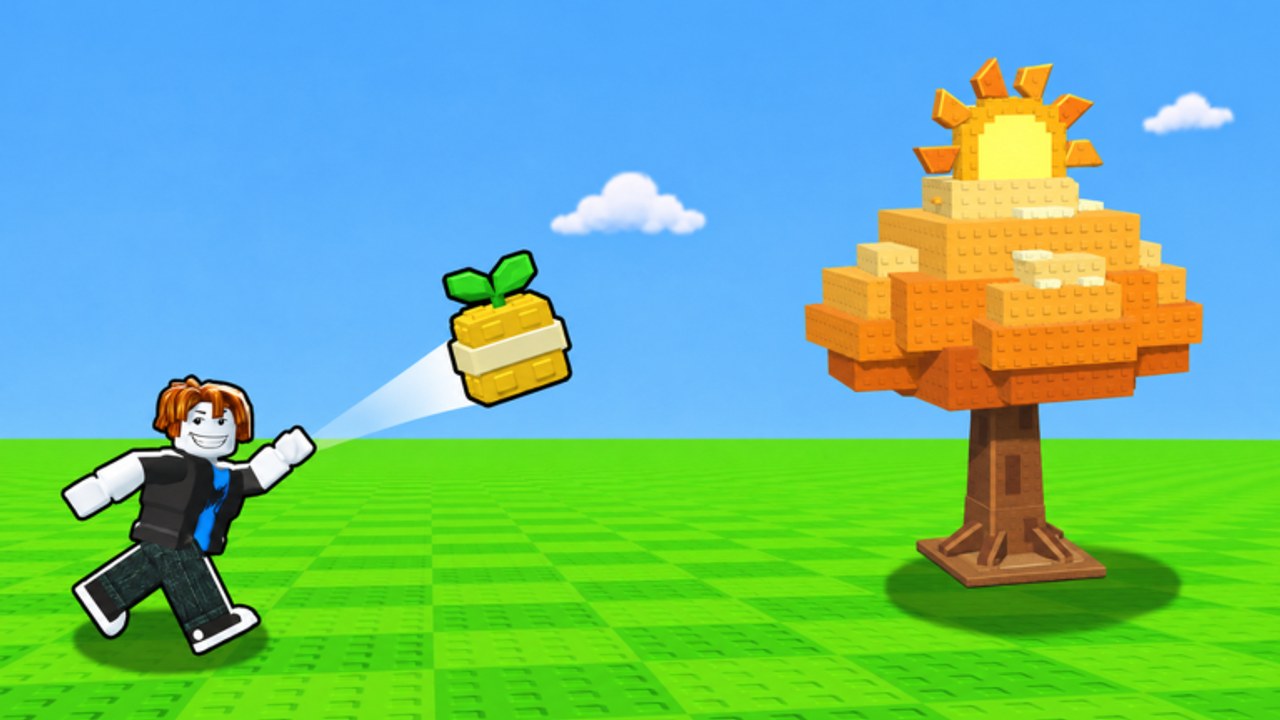
Guides explain systems; tools help you execute them. The Throw a Seed Tools Hub collects practical, checklist-style pages you can keep open on a second monitor (or phone) while you time throws down the canyon, grind pull-ups, and rearrange the garden for offline cash. Nothing here requires unofficial executors—if you want those anyway, read the risk notes on the Scripts Hub first.
Throw a Seed by Fish Time Studios rewards deliberate loops: farther throws raise luck across 15 zones from Meadow to Starlight Glade, plants print garden cash even offline, and strength plus Wood→Diamond bar upgrades decide whether a fancy seed was worth buying. Tools exist so you stop “playing busy” and start clearing bottlenecks.
Featured tool
- Progression Checklist — Day-one through midgame milestones: tutorial clarity, first garden fills, strength breakpoints, zone reach, Index habits, and Update 1 prep (worlds, Seed Packs, new rarities, four Secrets).
Start there if you feel busy but not stronger. Many players throw for an hour without upgrading the bar, expanding slots, or redeeming gifts from the Codes Hub. The checklist forces a diagnosis before another random shop click.
How to use wiki tools well
- Pick one bottleneck. Strength, seed tier, garden capacity, or event packs—not all four at once.
- Check the matching guide. Training Strength, How to Throw, Garden Income, Zones and Luck, Mutations & Secrets.
- Validate purchases with tier lists. Plants, Seeds, overview on Tier List.
- Mark the checklist. Momentum beats vibes.
- Recheck after patches. Especially during Update 1 (November 13–20, 2026).
A good tool session ends with three completed actions, not thirty open browser tabs. If you finish pull-ups, swap two garden plants, and decide yes/no on a Seed Pack, you used this hub correctly.
What belongs in Tools vs Guides
- Guides teach mechanics with long explanations and FAQ depth (Guides Hub).
- Tools compress decisions into ordered tasks you can finish in a session.
- Tier lists answer “what is worth keeping/buying.”
- Updates answer “what just changed” (Updates Hub).
- Codes / Scripts / Players / Wiki cover gifts, automation risks, community norms, and the primer (Wiki, Players).
If a future calculator (cash/hour estimates, pack EV scratchpads, zone reach trackers) ships, it will land under this hub. Until then, the Progression Checklist is the highest leverage page for both solo grinders and tiny friend groups.
Session recipes that pair with tools
Warm-up (15 minutes): Open the checklist Phase 1–2 lines, train once, throw a short focused set, fill any empty garden slot.
Economy night (45 minutes): Compare your weakest garden plant to the Plants Tier List, sell or swap, then decide whether the next cash pile goes to capacity, bar, or seeds.
Update night: Read Update 1, redeem codes, open packs only after throws already reach mid zones, then re-run the checklist Phase 4 boxes.
These recipes keep Tools Hub advice tied to the live client instead of abstract theory.
Small-server tip
With only 5 players per lobby, share the checklist link in chat instead of rewriting goals every join. Friends progress faster when everyone agrees whether tonight is a training night or a Seed Pack night. Etiquette notes on Players still apply—tools are for coordination, not for shaming newcomers who are still learning timing.
Related pages
Open the checklist next, clear three boxes, then come back when Update 1 moves your goalposts. The Tools Hub will grow as Throw a Seed grows—bookmark it beside Codes and Tier List for weekly maintenance.
Frequently Asked Questions
Quick answers for Throw a Seed players.
What tools does this wiki offer?
Start with the Progression Checklist for day-one through midgame tasks. More planners can appear here as the game grows.
Do these tools need scripts?
No. They are manual planning pages. Scripts are optional, risky, and documented separately.
When should I reopen the Tools Hub?
After major patches like Update 1, or whenever you feel stuck despite long sessions.
Can I use the checklist with friends?
Yes. On 5-player servers it helps squads pick one shared bottleneck per night.
Where do I learn the systems behind each checkbox?
Follow links into Guides, Tier Lists, Codes, and Update 1 from each tool page.